




Game On: Latest in Gaming News, Reviews & Industry Buzz
- Choose a balanced pick like Asus Zenbook 14 OLED: stellar battery, vibrant OLED display, smooth performance for essays, media, multitasking.
- On a budget, pick a Chromebook or the affordable Acer Aspire Go 15, ideal for docs, lectures, streaming; Windows better for heavy apps.
- Prioritize battery life, portability, and a good keyboard; options include Lenovo ThinkPad X1 2-in-1, MacBook Air, or Surface Pro.
Picking out a laptop for college doesn’t have to be annoyingly complicated. Whether you’re stuck in lectures all day or working on a big paper all night, having a reliable laptop is a total game changer. The trick? Figuring out what really matters in a laptop so you don’t end up spending on stuff you won’t even need.
That’s where we come in. We break things down without all the technical word vomit so you can quickly find the best machine for your lifestyle. From featherlight models that disappear in your bag to laptops with marathon battery life, we’ve got you covered.
Asus Zenbook 14 OLED – Best overall
Pros
- Robust build quality
- Attractive OLED touchscreen
- Good CPU and integrated GPU performance
- Amazing battery life
Cons
- Uninspired design
- Keyboard isn’t memorable
- Mediocre connectivity
Price When Reviewed:
$849.99
Best Prices Today:

$849

$1149.99
Who should buy the Asus Zenbook?
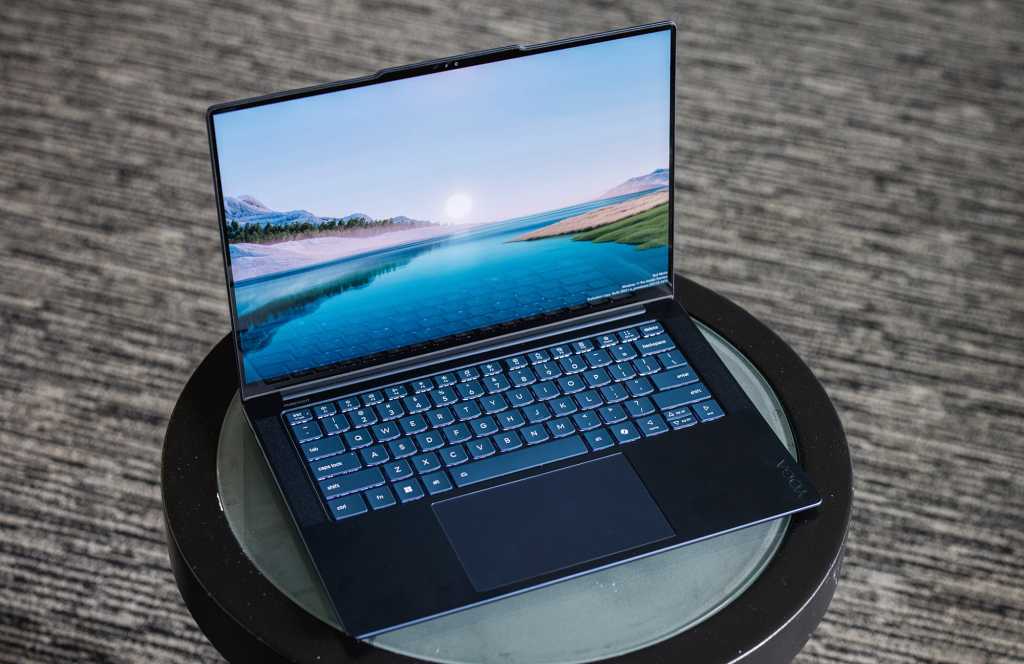
If you want a laptop that’s quick, lasts all day, and has a screen that actually looks great, this one’s a solid pick. The Asus Zenbook 14 OLED really hits the sweet spot. It’s packing an AMD Ryzen 7 8840HS CPU, 16GB of RAM, and a speedy 512GB SSD, so it can handle everything from essays and Zoom calls to those dozen tabs you’ve always got open.
The 14-inch 1920×1200 OLED touchscreen really steals the show, though. Movies, photos, and even spreadsheets look sharp and colorful. And with a 75 watt-hour battery, you’ll easily get a full day (approx. 16 hours) of use without hunting for an outlet in the library.
Asus Zenbook 14 OLED: Further considerations
This laptop isn’t built for heavy gaming or 3D work, but does great with pretty much everything else. The keyboard is fine, but not mind-blowing. It doesn’t have tons of ports, but covers what you really need — USB-C with DisplayPort and power delivery, HDMI, and a headphone jack.
The real win here is the balance. Long battery life, gorgeous screen, decent build quality, and smooth performance — all wrapped up neatly in a portable package. At around $850, it’s tough to beat, which is why it’s our best overall laptop for students this year.
Read our full
Asus Zenbook 14 OLED review
Acer Aspire Go 15 – Best budget laptop for students
Pros
- Affordable
- Decent battery life
- Good display visibility
Cons
- Big and bulky
- Cheap build
- Limited performance
Price When Reviewed:
$299
Who should buy the Acer Aspire Go 15?
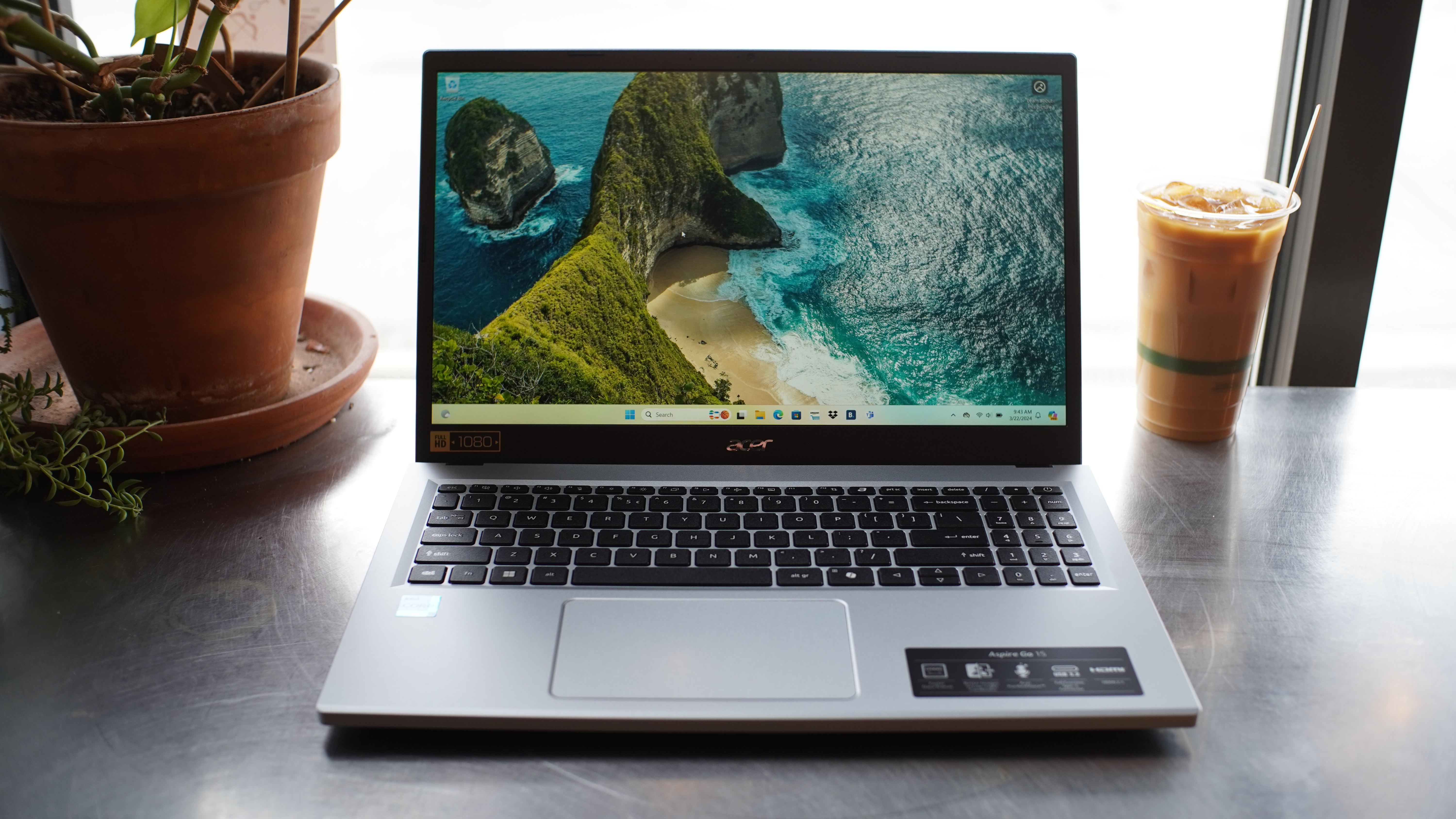
If you’re on a strict budget and just want a laptop for writing papers or doing research, the Acer Aspire Go 15 is a good pick. It’s nothing fancy, but it handles stuff like streaming lectures and writing papers just fine.
It comes with solid basics for the price — an Intel Core i3 processor, 8GB of RAM, and 256GB of storage — which is enough to handle most of your school work without any problems. Battery lasts around 12 hours, so you don’t have to constantly look for a charger. The 15.6-inch 1080p screen is pretty big, which is nice for both work and Netflix binges.
Acer Aspire Go 15: Further considerations
This laptop keeps it simple — no touchscreen, no backlit keys. But it runs smoothly, the battery holds up, and it gets through college tasks without a fuss.
Read our full
Acer Aspire Go 15 (2024) review
Asus Chromebook Plus CX34 – Best Chromebook for students
Pros
- Zippy processor performance
- Nice keyboard
- A wide array of connectivity options
- Chic design
Cons
- Battery life isn’t competitive
- The display’s 16:9 aspect ratio feels a little cramped
Price When Reviewed:
$499
Who should buy the Asus Chromebook Plus CX34?
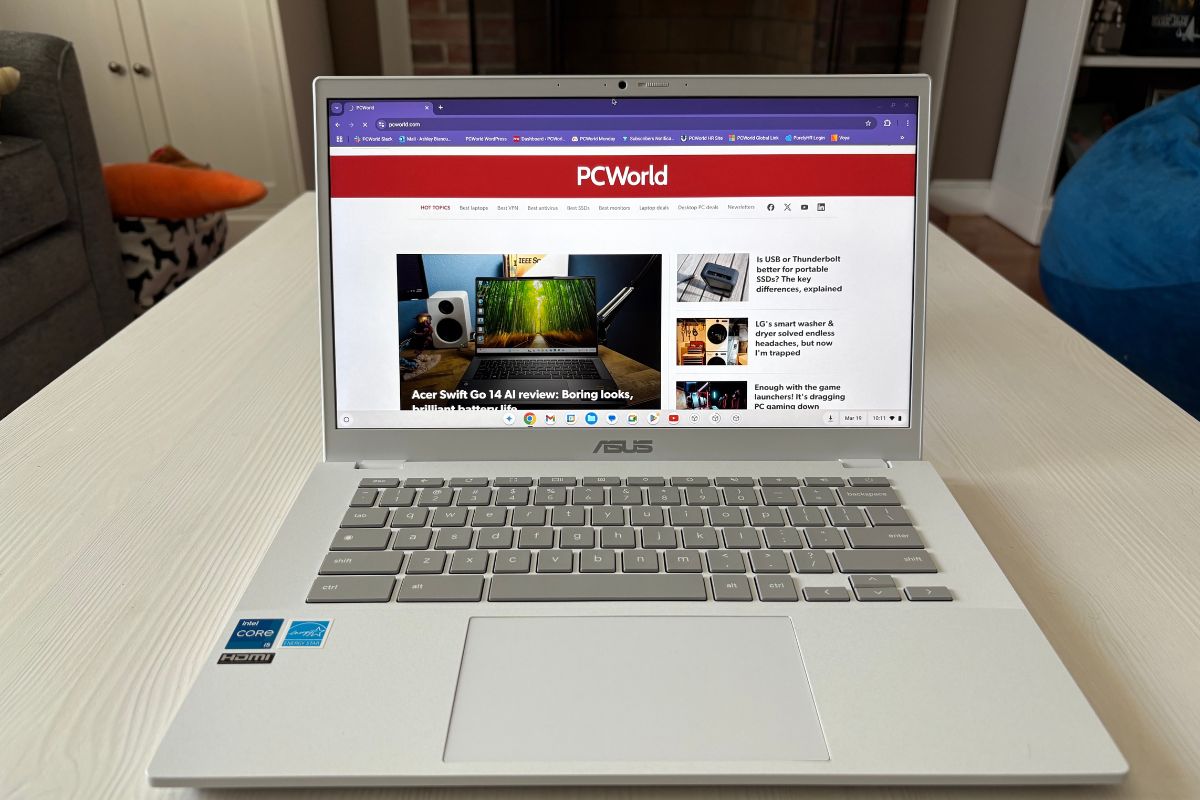
If you’re heading to college and want a Chromebook that looks good and runs well (as long as you don’t mind Google’s ecosystem), this one’s it. The Asus Chromebook Plus CX34 is fast enough to keep up with your daily activities — think Zoom, Google Docs, Spotify — and it won’t freeze up when you’ve got a bunch of tabs open. (I see you, serial tab opener.)
It’s got a 14-inch 1080p screen that looks pretty clear. The webcam’s actually really solid too, so you won’t look like a blurry mess on video calls. And yeah, the whole laptop looks great. It’s got that clean, modern vibe that doesn’t scream budget.
Asus Chromebook Plus CX34: Further considerations
Sure, it’s not perfect. The battery lasts around 13 hours, which is decent, but honestly, I’ve seen other laptops that go a bit longer. Also, no touchscreen — not a deal-breaker for most, but if you’re someone who loves tapping around, that might be a bummer. And if you’re trying to do anything like video editing or heavy design work? This probably isn’t the machine for you.
But for school notes, research, and lectures? It’s exactly what you need at a nice price.
Read our full
Asus Chromebook Plus CX34 review
Lenovo ThinkPad X1 2-in-1 Gen 10 Aura Edition – Best battery life
Pros
- Over 24 hours of battery life (in our standard test)
- Solid build quality
- Snappy desktop performance
- 2-in-1 experience with pen
Cons
- On the expensive side
- Lunar Lake’s low multithreaded performance is an issue for some workflows
Best Prices Today:
$2755.65
Who should buy the Lenovo ThinkPad X1 2-in-1?
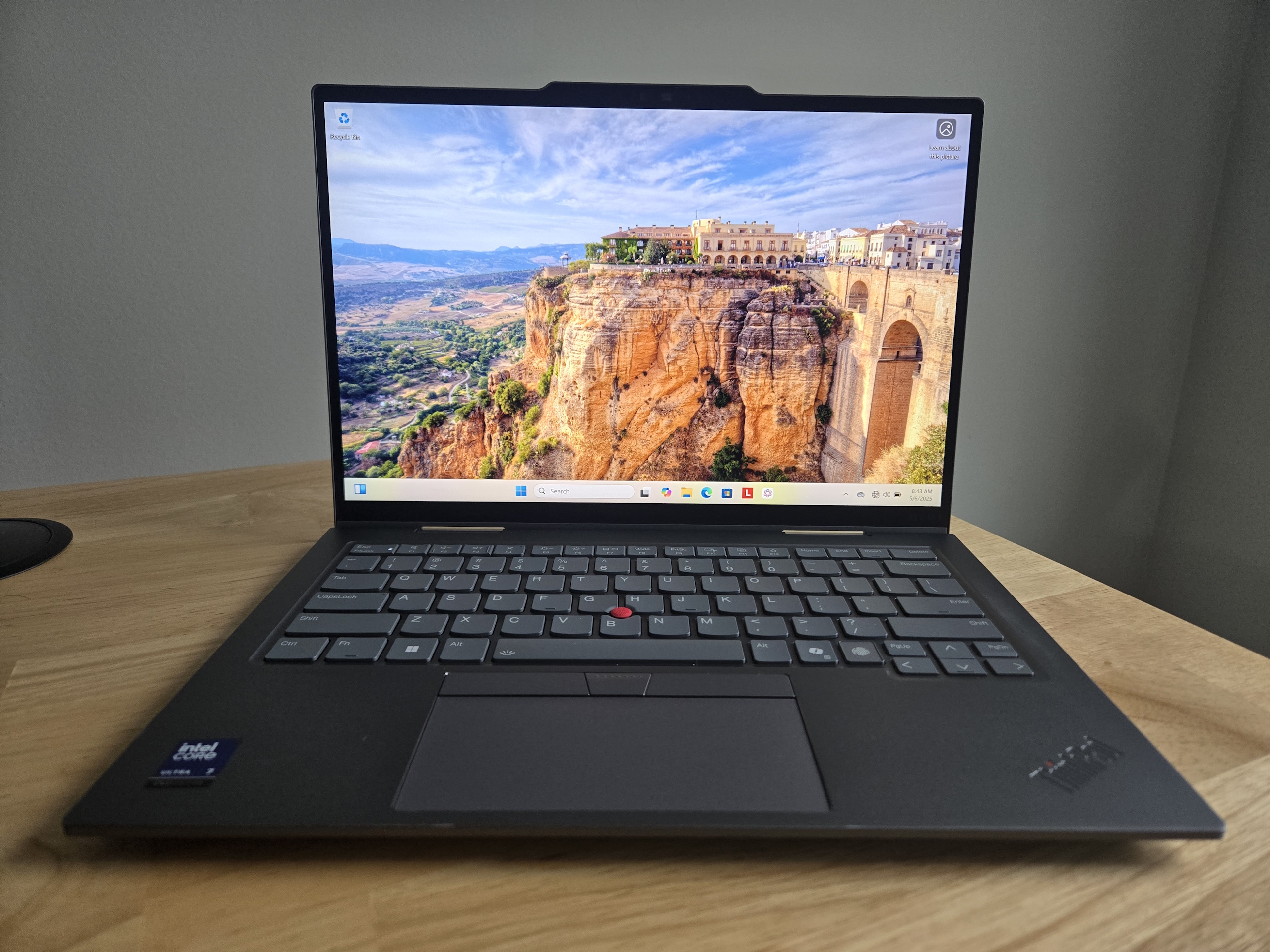
If you’re looking for a laptop that can actually last all day, this one’s pretty crazy. We got around 25 hours on a single charge, which is seriously impressive. Imagine not stressing about finding an outlet between classes or study sessions.
It’s also very lightweight at less than three pounds, so it should be easy to carry around. The 360-degree hinge lets you flip the screen around and use it like a tablet, which is great if you prefer writing notes by hand. And the keyboard? Super comfy, so typing up essays won’t strain your fingers.
Lenovo ThinkPad X1 2-in-1: Further considerations
It’s definitely on the expensive side — our review model was over $2,000, though the price varies depending on the setup. You’re paying for high-quality build materials and cool features like Wi-Fi 7.
One downside: There’s no built-in SD card reader, so if you’re studying photography, you’ll need a dongle.
For most day-to-day stuff like essays and streaming, it works great, but if you’re running a bunch of heavy programs at once, it might slow down a bit.
Read our full
Lenovo ThinkPad X1 2-in-1 Gen 10 Aura Edition review
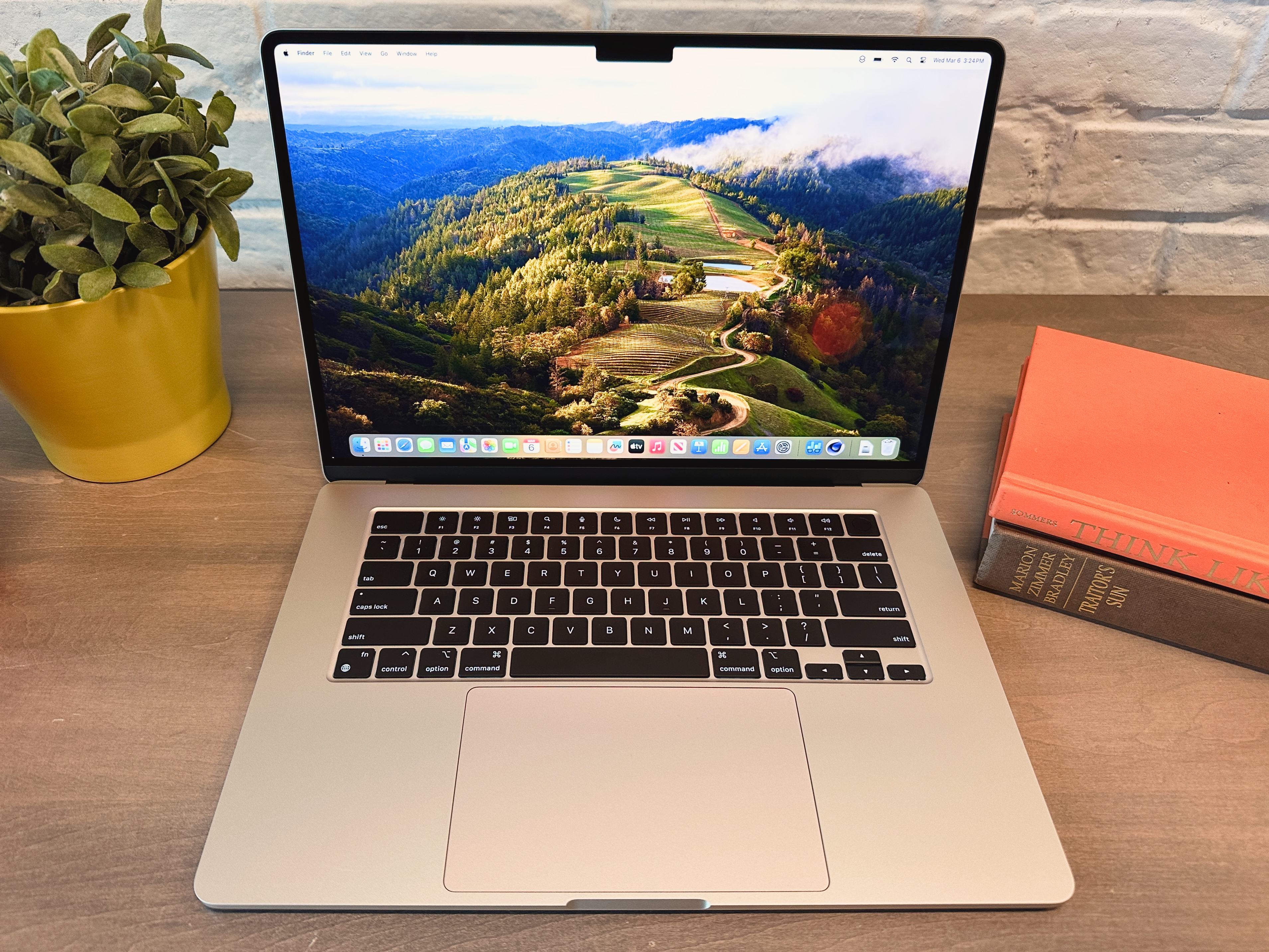
MacBook Air (M3) – Best MacBook for students
Pros
- Excellent battery life
- Great combination of price, features, and performance
- 256GB SSD is now two NAND chips, maintaining performance
Cons
- Expensive memory upgrades
- Dual external display support requires closed lid
Price When Reviewed:
$1,299 (base) – Discontinued
Best Prices Today:
$1088.49

$1099

$1199

$1299
Who should buy the MacBook Air?
If you want something with crazy-good battery life and a gorgeous Liquid Retina display, the MacBook Air M3 is a fine choice. It’s got an 8-core M3 CPU and a 10 core GPU, plus two Thunderbolt 4 ports and a 66.5 watt-hour battery. Performance is pretty much on par with the MacBook Pro M3, so it can handle all your school stuff and everyday use, no problem. The big bonus here is that the Air doesn’t have any fans, so it stays super quiet and it lasted 19 hours on a single charge in our tests. That’s awesome if your days are packed and you don’t want to be hunting for outlets.
MacBook Air: Further considerations
If you prefer MacOS, this one’s for you. It’s light too, just a bit over 3 pounds, so it’s easy to carry around. The $1,299 price feels fair for what you get. Just remember 8GB RAM is on the lighter side compared to some Windows laptops.
Read our full
Apple 15-inch MacBook Air (M3, 256 GB/16 GB RAM, 2024) review
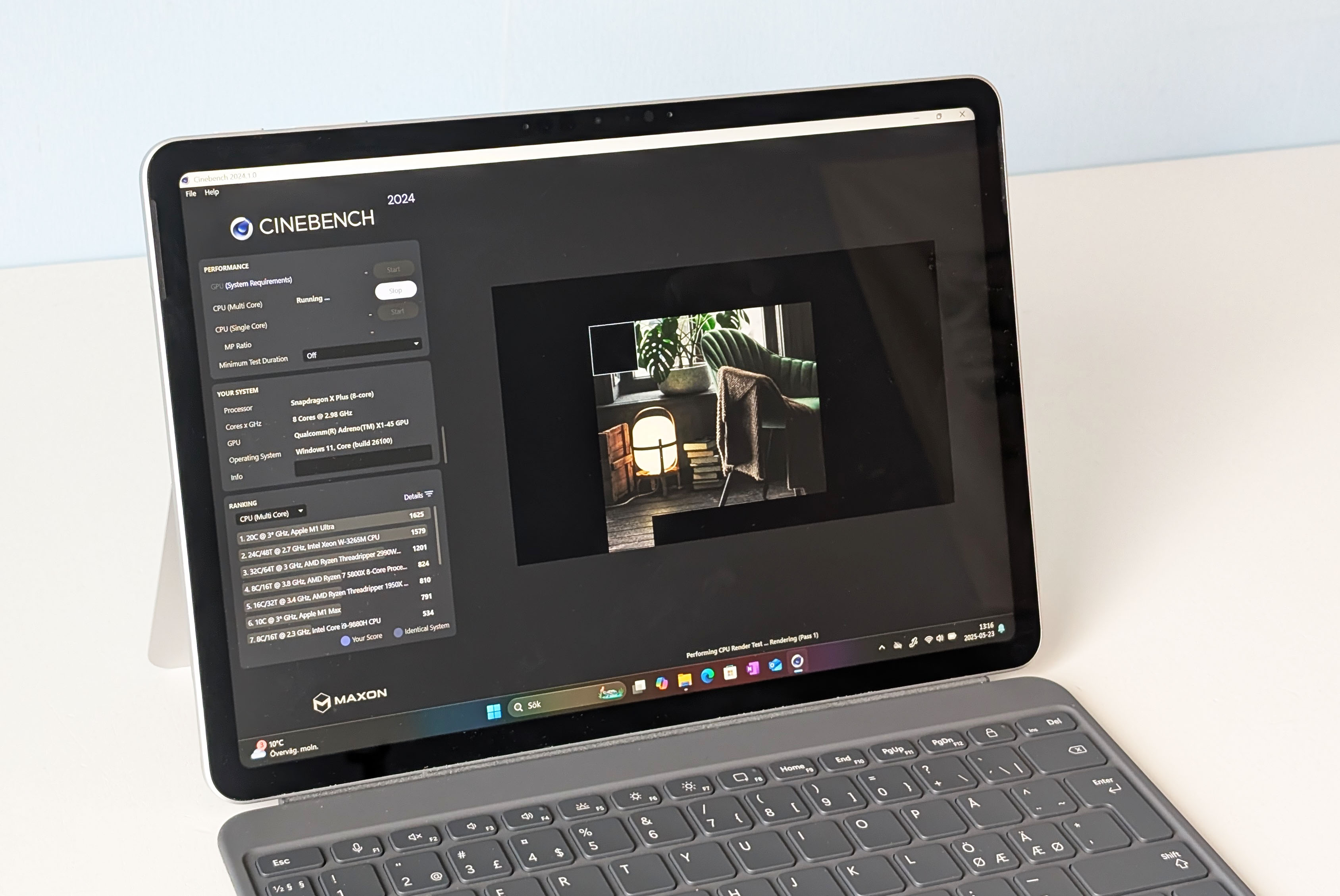
Microsoft Surface Pro (2025) – Best ultraportable for students
Pros
- Compact and well-built
- Good office performance
- All Copilot Plus features available
- Good battery life
Cons
- Narrow screen to work on
- No HDR support
- No charger included
Price When Reviewed:
$799.99
Best Prices Today:
$729.99

$799.99
Who should buy the Microsoft Surface Pro (2025)?
If you’re always on the move — rushing between classes or just hanging out at a coffee shop — the Surface Pro 2025 is pretty sweet. It’s crazy light, like just over a pound, so tossing it in your bag is no big deal. It also handles all the usual stuff without breaking a sweat — Zoom calls, notes, emails, and yeah, binge-watching your favorite shows too. Honestly, the Snapdragon chip does a great job keeping things snappy day-to-day.
Microsoft Surface Pro (2025): Further considerations
Couple things to know. The screen’s not huge, so if you’re someone who operates in a sea of open tabs, it might feel a little tight at just 12-inches with an aspect ratio of 3:2. And yeah, it only has two USB-C ports, so if you’re always plugging into peripherals or storage, you’ll probably need a little dongle or dock.
Battery life’s kind of a mixed bag. If you’re just typing or watching stuff with the brightness turned down, it’ll last a good while. But if you’re cranking everything up and bouncing between apps, it could drain faster than you might expect.
Still, if most of your school stuff is in the cloud and you just want something super light that gets the job done, this laptop totally delivers in that regard.
Read our full
Microsoft Surface Pro 2025 review
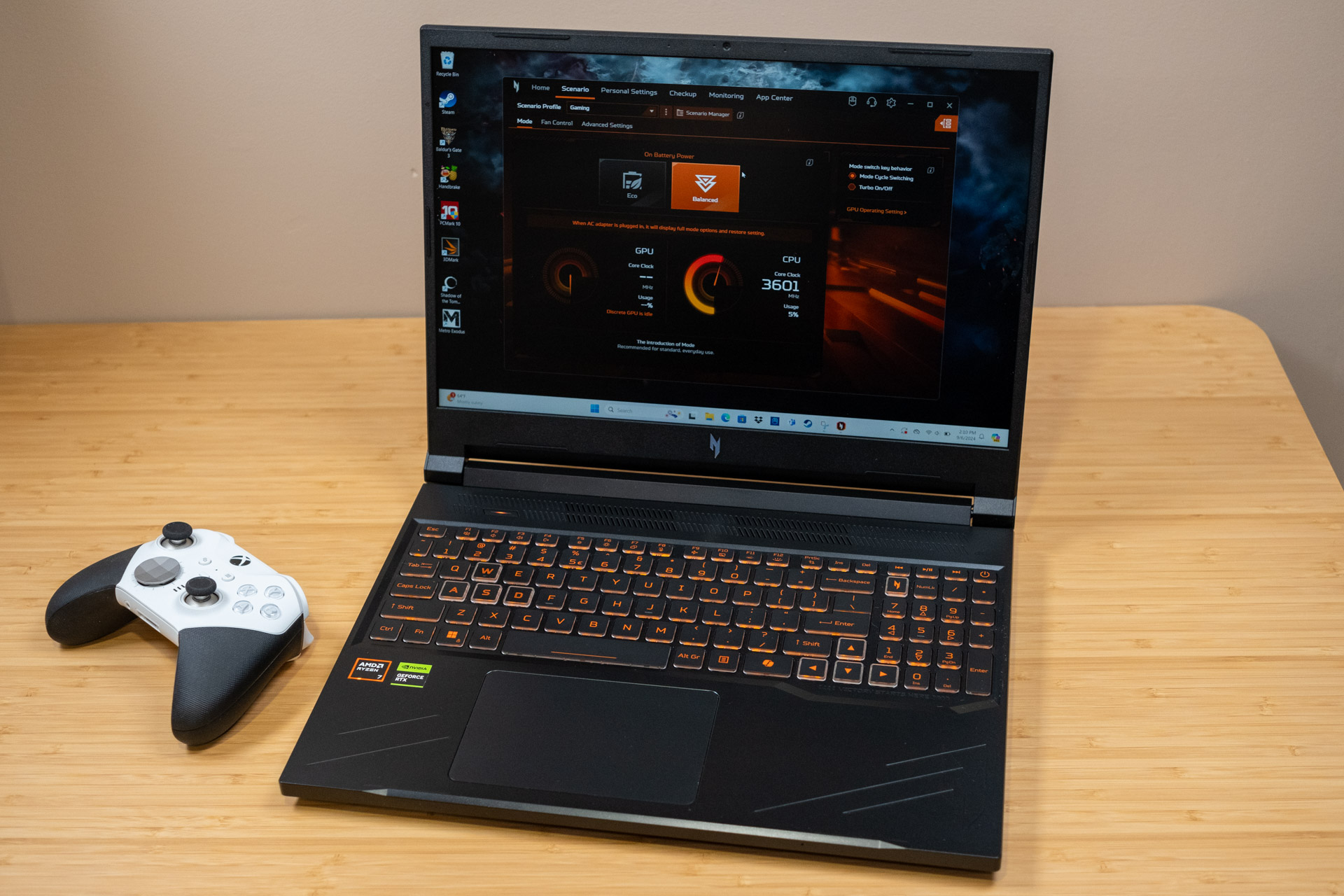
Acer Nitro V 16 – Best gaming laptop for students
Pros
- Solid performance
- Competitive price
- Dedicated button for quick performance mode switching
- Fast 165Hz display with good colors
Cons
- Fully plastic build
- Mushy keyboard
- Weak battery life
Price When Reviewed:
$1,099.99
Best Prices Today:
$969.49

$1099.99
Who should buy the Acer Nitro V 16?
If you’re after a gaming laptop that can handle those late night gaming marathons (schoolwork, too!), the Acer Nitro V 16 is an excellent pick. The 16-inch 1920×1200 IPS display is colorful, and the 165Hz refresh rate makes gameplay look buttery smooth. 4060 graphics also means you can run most games on Medium or High graphics.
Battery life isn’t great though, you’ll get around four hours unplugged. That’s normal for gaming laptops, but just something to remember if you’re going to be using it away from a charger.
Acer Nitro V 16: Further considerations
This laptop is perfect if you want affordable gaming power and don’t mind the plastic build. It’s also good for heavy work stuff thanks to that GPU. Just know it’s not the lightest or fanciest-feeling laptop out there.
Read our full
Acer Nitro V 16 review
Other notable laptops we’ve tested
A few laptops didn’t make the above list, but they’re still pretty cool and worth considering. The Dell Plus 14 2-in-1 is a nice cheap pick ($599.99) with a touchscreen and decent hardware. The Asus ZenBook A14, on the other hand, boasts a featherlight build (2.16 pounds) as well as incredible battery life (24 hours!). Finally, the Framework Laptop 2025 is all about being easy to fix and upgrade, which is awesome if you don’t want to buy a new laptop every couple years.
How we test laptops
The PCWorld team puts each and every Windows laptop through a series of benchmarks that test GPU and CPU performance, battery life, and so on. The idea is to push the laptop to its limits and then compare it against others we’ve tested. Chromebooks, on the other hand, go through a series of web-based tests.
For a much deeper look at our review methodology, check out how PCWorld tests laptops.
Why you should trust PCWorld for laptop reviews and buying advice
It’s in our name! PCWorld prides itself on laptop experience and expertise. We’ve been covering PCs since 1983, and we now review more than 70 laptops every year. All of the picks below have been personally tested and vetted by our experts, who’ve applied not only performance benchmarks but rigorous usability standards. We’re also committed to reviewing PC laptops at every price point to help you find a machine that matches your budget.
Who curated this article?
Hi, I’m Ashley Biancuzzo, and I oversee all laptop and Chromebook coverage at PCWorld. While you’ll see me review Chromebooks on occasion, I’m also really into the broader world of consumer tech. I spend a lot of time writing and thinking about where laptops are headed — from AI and sustainable designs to long-term trends. When I’m not deep in the world of tech, you’ll probably find me gaming, getting lost in a good book, or chilling with my rescue greyhound, Allen.
How to choose the best laptop for college
First off, think about your budget. What’s your actual limit here? If you don’t have much wiggle room, a Chromebook might be the way to go. They’re pretty cheap and can handle everyday tasks like writing papers, working on a Google Sheet, casual browsing, that sort of thing. You can find them anywhere from $200 to about a grand, it just depends on what you’re going for.
If you’ve got a little more to spend, 2-in-1 touchscreen laptops are great because they’re so versatile. You can turn the screen all the way back and use it like a tablet or stand it up like a little movie screen. That’s great for Netflix or just zoning out with YouTube. The flexibility’s nice, especially if you’re cramped in a dorm or carrying it around all the time.
As far as performance goes, if you’re doing stuff like email, streaming, or having a bunch of tabs open, more RAM helps. 8GB is what I’d recommend. Your laptop will run smoother and it won’t feel like it’s constantly lagging. 4GB is fine if you’re just browsing or writing papers, but it can feel restrictive if you’re prone to multitasking and working with lots of open windows. Chrome and Spotify are memory hogs as well, and they’ll slow things down if you don’t have enough memory to work with.
Last thing, the keyboard. You’ll be typing a lot in college, so this actually matters. Some people like keys that are clickier and have a little more bounce to them. Well, that’s mechanical keyboards for you. They’re louder, but they help you avoid accidental keystrokes, and they feel kind of satisfying to type on. Totally up to you, but don’t ignore it. A bad keyboard gets old real fast.
FAQ
What’s the best laptop for college students?
If you just want something that’s fast, lasts all day, and has a screen that actually makes Netflix look good, the Asus Zenbook 14 OLED is probably your best bet. It’s light, powerful enough for school stuff (and then some), and the battery life is awesome.
What’s the best budget laptop for college students?
If you’re trying to keep it cheap and just want something that works, the Acer Aspire Go 15 is pretty much a perfect fit. It’s got a big screen, decent battery, and handles all the basics like a champ. Nothing fancy, but it gets your school stuff done without drama.
What’s the difference between a Chromebook and a Windows laptop?
Chromebooks are super simple and fast, perfect for stuff like browsing, writing papers, and streaming. The do everything within the Chrome OS. They usually don’t cost much, either. Windows laptops can do a lot more like gaming or editing videos. They also support locally installed programs as opposed to being internet-based. So if you just need a basic laptop for school stuff, a Chromebook is cool, but if you want something that can handle more, go with Windows.
Read the full article on the original site
